Secure Messaging
Client Cove includes a built-in messaging system so you can communicate with your service provider securely. All messages are encrypted and stored within the portal — no need for external email or chat tools.
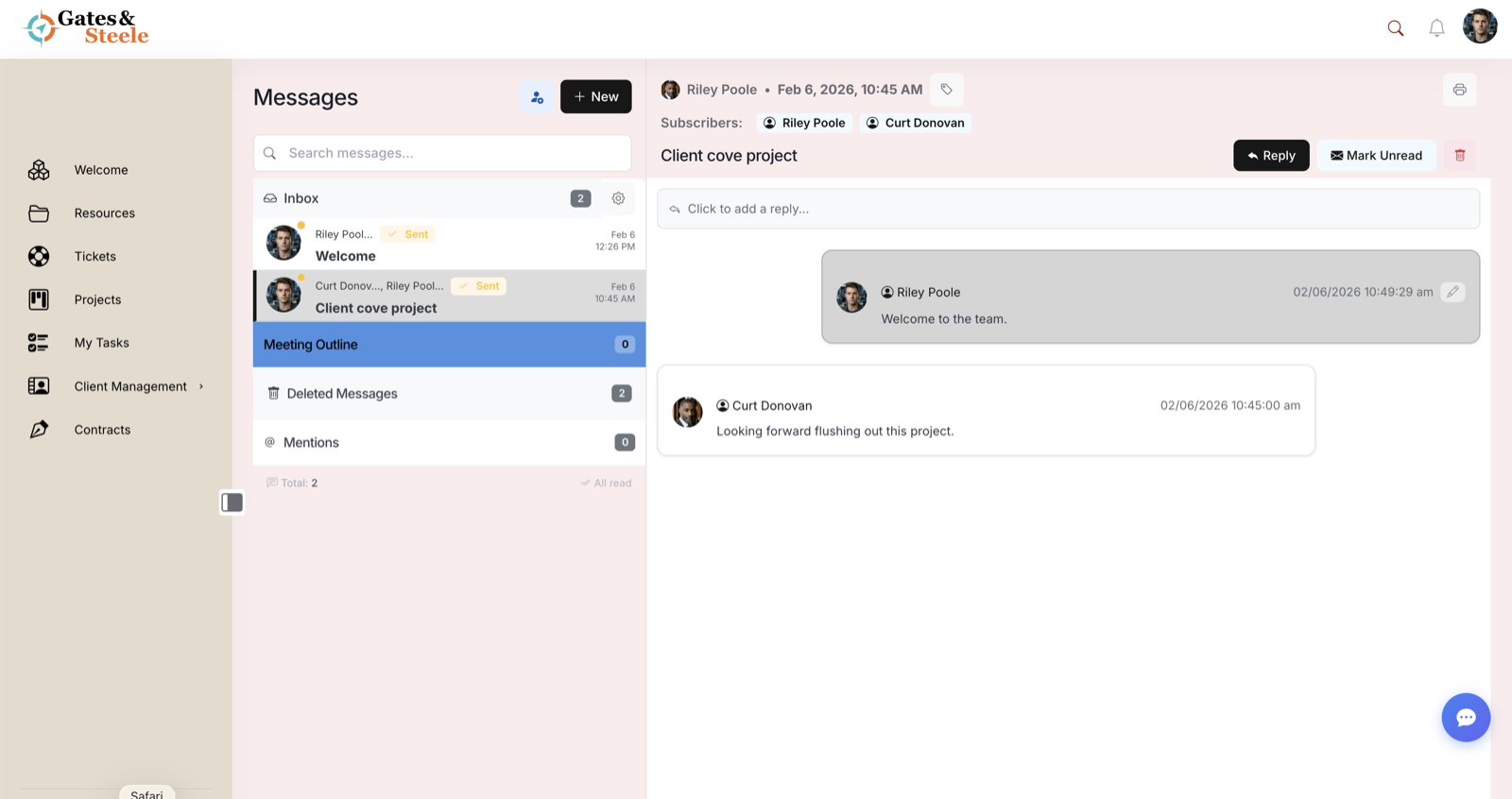
Secure Messaging — threaded conversations with subscribers and read state.
Getting Started with Messaging
Access messaging from the Messages section in the left sidebar. You will see:
- Inbox — Messages sent to you
- Sent — Messages you have sent
- All Conversations — A unified view of all threads
Starting a Conversation
- Click Messages in the sidebar
- Click New Message
- Select one or more recipients from your team
- Enter a subject line
- Type your message
- Attach files if needed
- Click Send
Recipients are notified immediately via in-app notification and email (if enabled in their preferences).
Message Features
Formatting
You can format messages using basic rich text options:
- Bold, italic, and underline
- Bullet and numbered lists
- Links to external resources
File Attachments
Attach files directly to messages. Supported formats match the file storage system — PDFs, images, documents, and more. Maximum attachment size is 25 MB.
Read Receipts
You can see when your message has been read. Read receipts appear as a checkmark next to the message timestamp.
Thread Organization
Messages are organized into conversation threads. All replies stay within the original thread, making it easy to follow discussions over time.
Security and Privacy
Client Cove messaging provides:
- Encryption in transit — Messages are encrypted using TLS during transmission
- Encryption at rest — Messages are stored encrypted on our servers
- Access controls — Only participants in a conversation can see its contents
- Audit logging — All messaging activity is logged for compliance purposes
- No third-party access — Messages never leave the Client Cove platform